Guide library
SystemRescueCd guides for real recovery tasks.
Browse nine static SystemRescueCd guides covering downloads, ISO setup, commands, ZFS, authorized Windows recovery, Linux filesystems, 32-bit support, alternatives and boot issues.
SystemRescueCd download guide
Understand SystemRescueCd download choices, why an ISO differs from a source ZIP, and how to verify rescue media before booting.
SystemRescueCd ISO & USB setup
Create System Rescue CD ISO boot media, choose UEFI or BIOS correctly, and troubleshoot the most common USB setup mistakes.
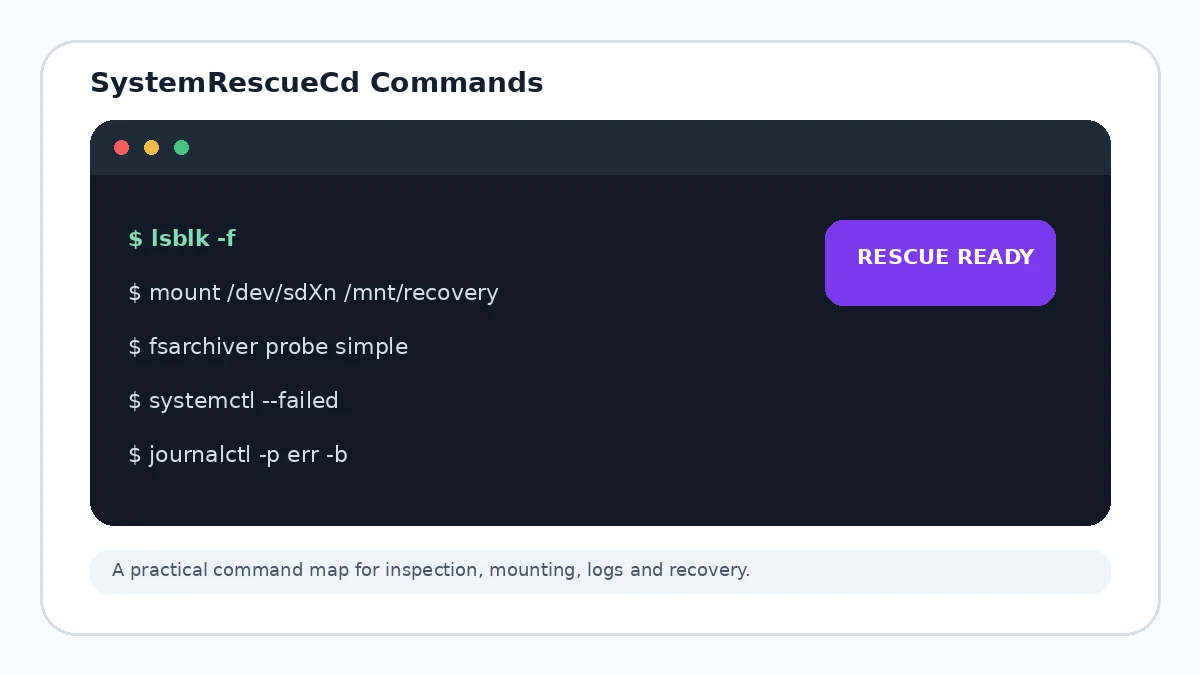
SystemRescueCd commands guide
A practical SystemRescueCd commands guide for disk discovery, filesystem identification, mounts, logs, networking and cautious rescue work.
SystemRescueCd ZFS guide
Plan SystemRescueCd ZFS recovery with cautious pool discovery, read-only thinking, import risk awareness and backup-first decision making.
Windows password recovery options
Understand safe and authorized Windows password recovery options when using SystemRescueCd, including supported account recovery paths and data-protection cautions.
SystemRescueCd Linux filesystem recovery
Use SystemRescueCd for filesystem recovery with a discovery-first workflow: identify storage, mount read-only, protect data, then repair carefully.
SystemRescueCd 32-bit options
Learn why current SystemRescue focuses on 64-bit x86 systems, what happened to the historical 32-bit releases and how to plan for older hardware.
SystemRescueCd alternatives
Compare a SystemRescueCd alternative by boot model, filesystem coverage, imaging tools, hardware support, documentation and recovery workflow.
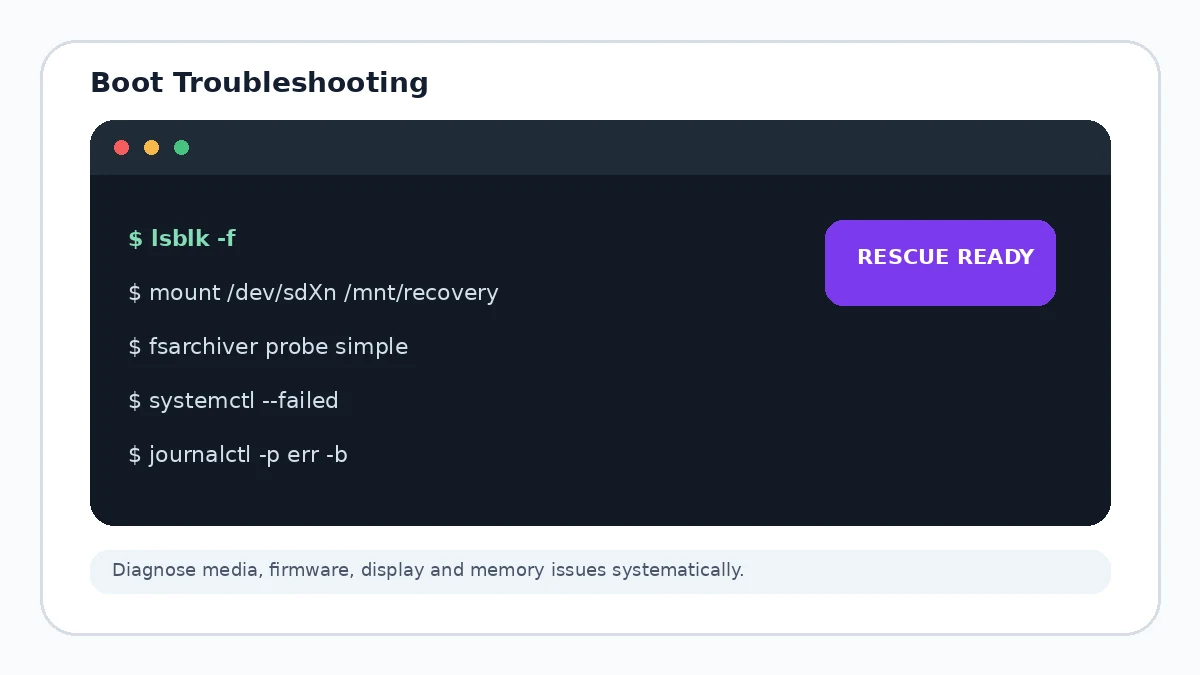
SystemRescueCd boot troubleshooting
Troubleshoot SystemRescueCd boot failures by checking image integrity, USB media, UEFI or BIOS settings, graphics options and memory.