SystemRescueCd guide
SystemRescueCd Linux Filesystem Recovery: Inspect, Image, Repair
Filesystem recovery is safer when you separate diagnosis from repair. First identify the exact filesystem and device, then protect the only copy of valuable data before running repair tools.
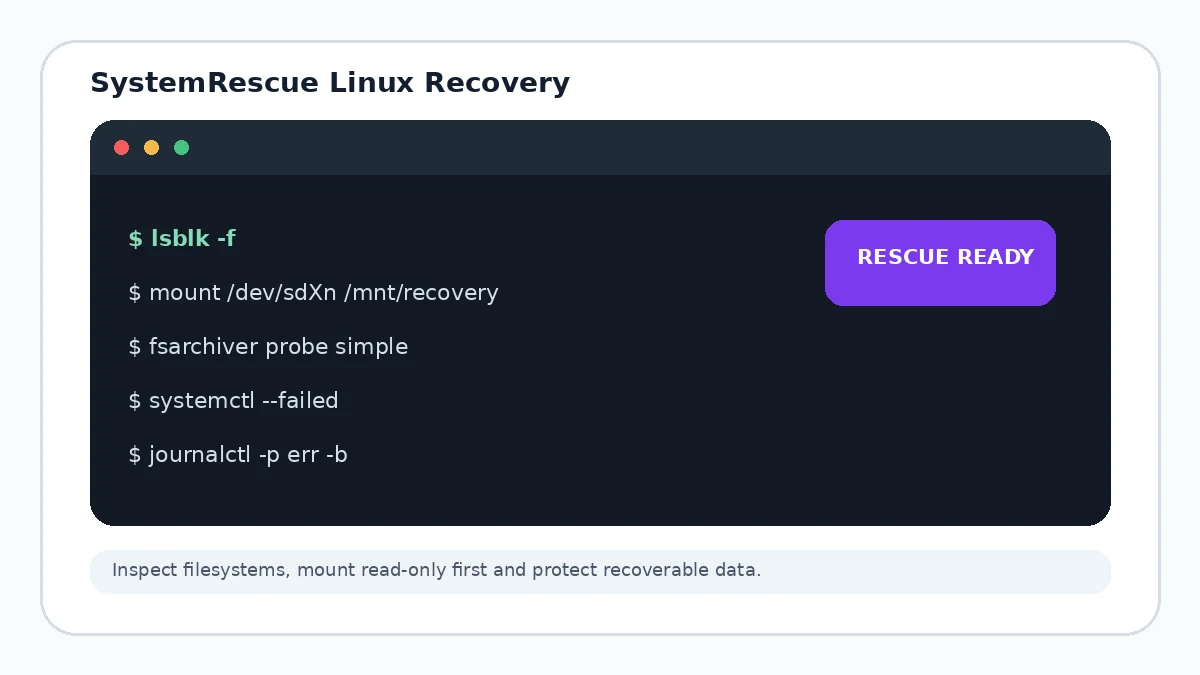
Identify the filesystem before choosing a tool
Use lsblk -f and blkid to determine whether the target is ext4, XFS, Btrfs, NTFS or another filesystem. Repair utilities are filesystem-specific.
Mount read-only when the data matters
Read-only access is a useful first step when your goal is to copy files. If the device is failing physically, even reads can worsen a marginal disk, so imaging to healthy storage may be the better first action.
Repair on the right copy
Filesystem checkers can make irreversible changes. When practical, operate on an image or clone instead of the only copy of valuable data.
Linux system repair with chroot
After the filesystem is stable and mounted correctly, an authorized administrator can use a chroot-style workflow to repair packages, configuration or boot files. Confirm mount points and bind mounts before entering the installed system context.