SystemRescueCd guide
SystemRescueCd Commands: Safe First-Response Command Guide
The best rescue commands are the ones that tell you what exists before you change anything. Start with discovery, confirm the target, then move to mounts, logs or repairs.
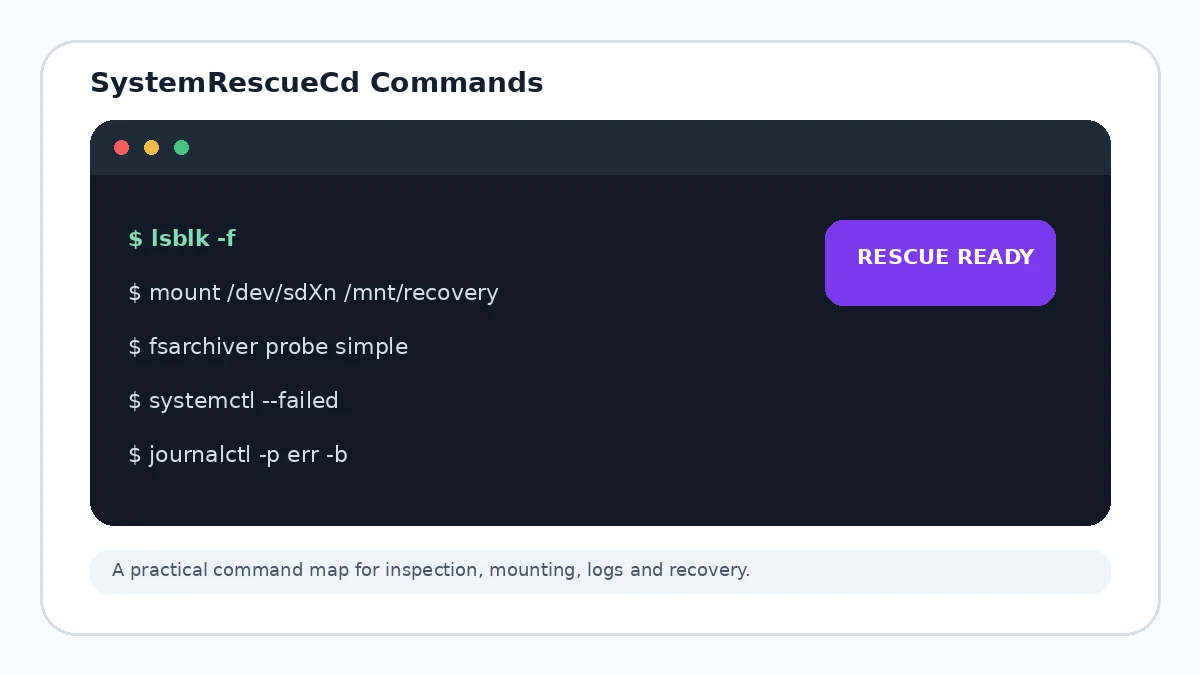
Start with discovery commands
Before mounting or repairing anything, use commands that reveal the storage layout and current state.
lsblk -f
blkid
findmnt
df -h
journalctl -p err -b
These commands help you compare device names, filesystems, labels, mount points and current boot errors. Always verify the target by size and identifiers rather than guessing from a device letter.
Mount only after you identify the filesystem
For questionable storage, prefer read-only inspection first. The exact mount and repair command depends on the filesystem, encryption state and whether the disk is healthy enough for direct access.
Networking and process checks
ip address
nmcli device status
systemctl --failed
dmesg --level=err,warn
A command is not a diagnosis
Tools report state; they do not remove the need to understand what the target disk contains. Do not run destructive partition, formatting or repair commands merely because they appear in a checklist.