SystemRescueCd guide
SystemRescueCD Reset Windows Password: Authorized Recovery Options
A forgotten Windows password is an account-recovery problem first. On systems you own or administer, use Microsoft's supported recovery or an approved organization process before considering offline changes.
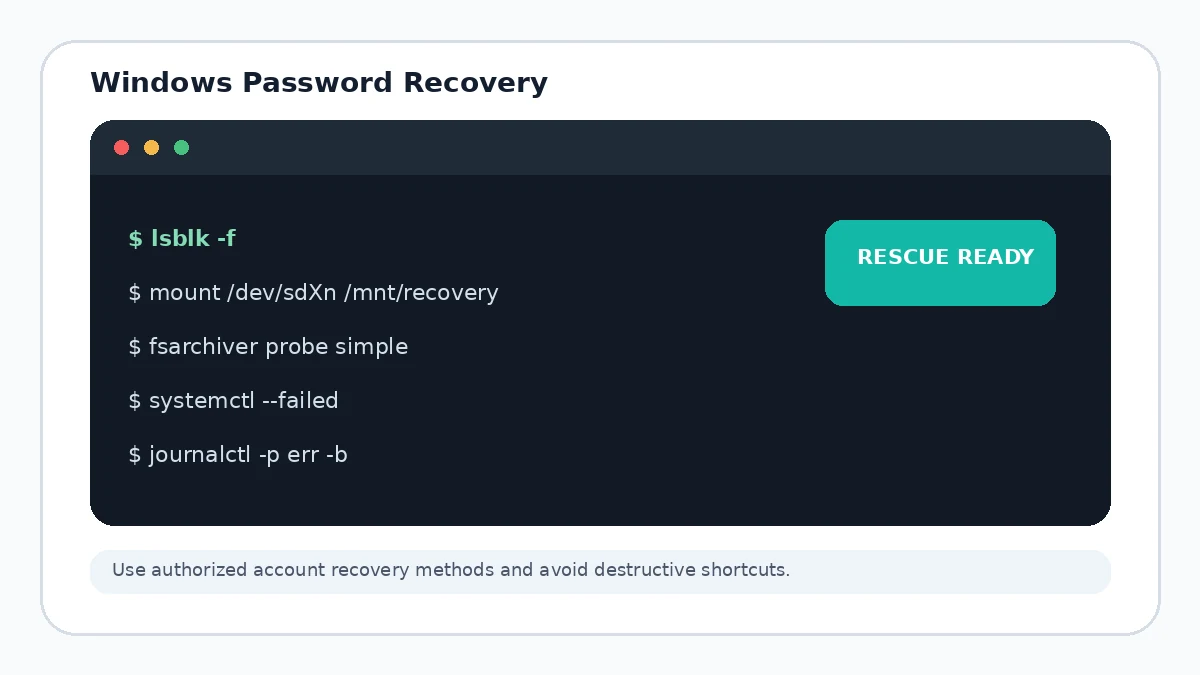
Use supported account recovery first
If the account is connected to Microsoft, use Microsoft's official account-recovery flow. On managed devices, contact the organization administrator. These approaches preserve auditability and reduce the chance of damaging encrypted data or stored credentials.
Local administrator recovery
For a computer you own or are explicitly authorized to administer, use approved recovery media, another authorized administrator account, or the organization's documented endpoint procedure. Keep records of any credential changes made during maintenance.
Why offline shortcuts can cause problems
Offline account edits can interact badly with encryption, cached credentials, EFS-protected files or enterprise policy. This guide intentionally does not provide bypass instructions for accessing someone else's account.
Protect data before account repair
If the machine also has storage corruption, separate account recovery from filesystem repair. Stabilize and back up important data first.